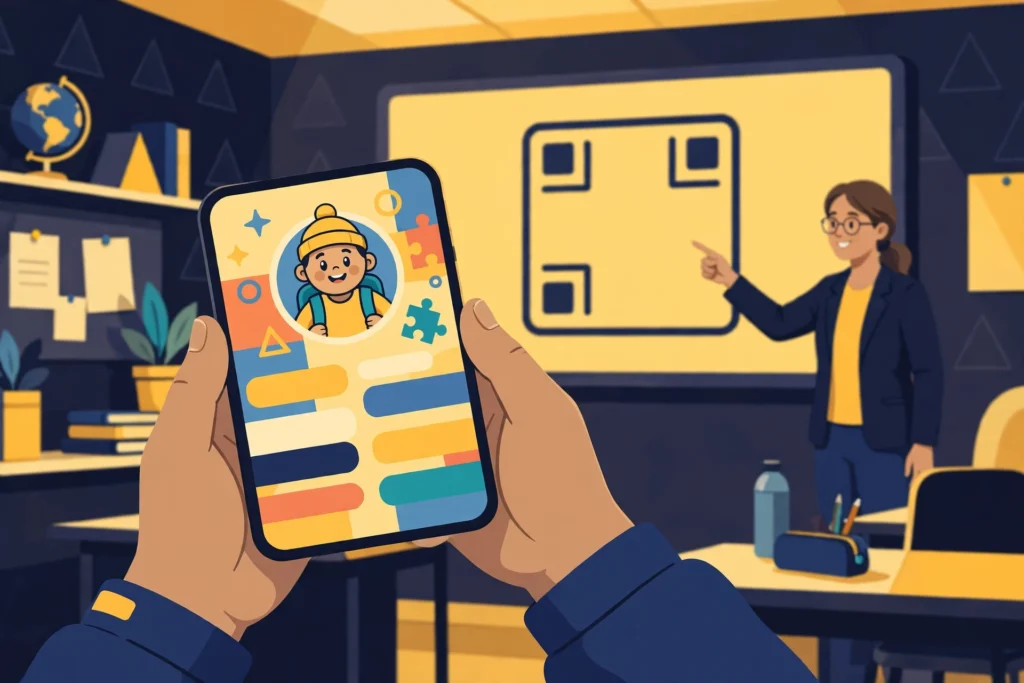
Joining a Blooket game takes less than a minute, and you do not need an account to play. Your teacher or host starts a game and shares a short number called a game code. You enter it at the official join page, pick a nickname and a Blook, then wait in the lobby until the game starts. This guide walks you through every step, and what to do when something goes wrong.
What you need before you join
Before you join, check that you have three things. First, the game code from your host, usually five to seven digits, or a QR code or link they show on screen. Second, a device with a web browser, such as a Chromebook, laptop, tablet or phone. Third, a nickname that follows your teacher’s rules. You do not need a Blooket account or an app, because the game runs in the browser.
Join with a game code in 6 steps
Follow these six steps in order:
- Get the code from your host. Write it down or keep the screen in view.
- Open play.blooket.com in your browser.
- Type the Game ID exactly as shown, then press Enter.
- Enter a nickname, unless your host turned on random names.
- Pick your Blook if the game asks you to choose one.
- Wait in the lobby until the host starts the game.
Join with a QR code or link
If your host shows a QR code, point your phone camera at it and tap the link that appears. If they share a link instead, tap it and you will go straight to the lobby, with the code already filled in. A QR code and a link do the same job as typing the code, so use whichever one your teacher prefers.
What if the code does not work?
A code that fails is usually one of four things: it expired when the session ended, the lobby locked after the host started, you mistyped a digit, or your school network blocks play.blooket.com. Read the code back, fix any digit, and try once more. If it still fails, ask your host for a fresh code, or test the game on mobile data to see whether the network is the problem.
Tips for your first game
Pick a nickname your teacher will recognise, and keep it polite. Answer quickly but read each question properly, because most modes reward accuracy as well as speed. If you join late, do not worry: you can still earn coins and climb the standings. And if you enjoy the game, a free account saves your tokens and Blooks for next time.
That is all it takes. For more detail on codes, QR codes and the C103 error, read our Blooket Join guide, and for the full picture start with the Blooket home guide.