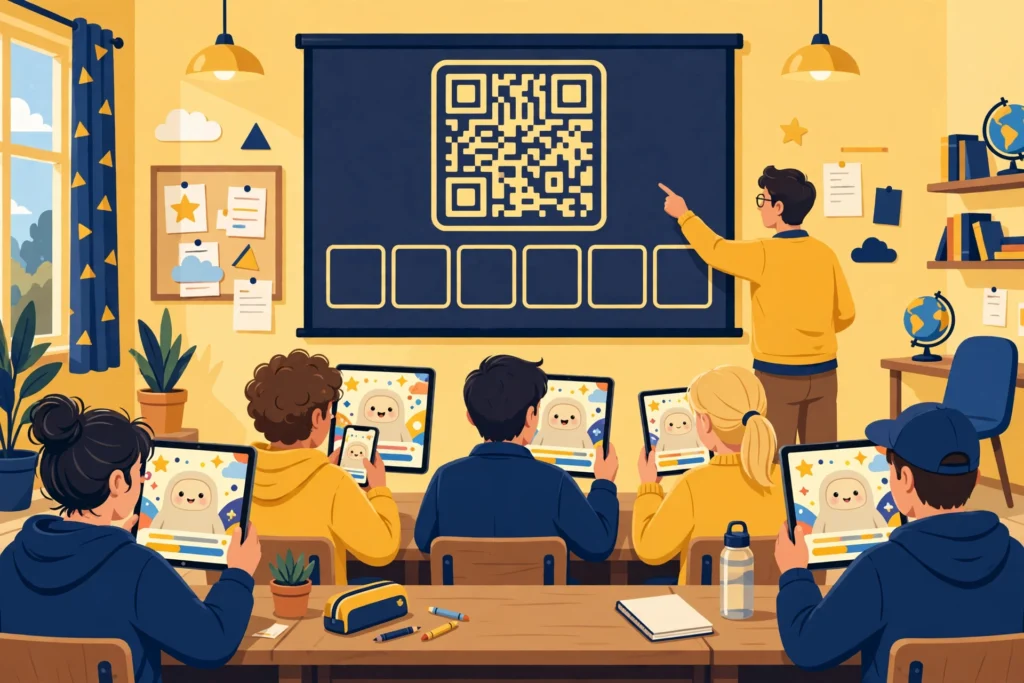
To join a Blooket game, open play.blooket.com, type the 7-digit Game ID your teacher shared, pick a nickname, choose a Blook and tap Join. You do not need an account, a download or an email address. Most students reach the lobby fast.
The three ways to join a Blooket game
Your teacher picks one of three routes.
| Method | What you need |
|---|---|
| Game ID code | Code from teacher |
| QR code | Phone or tablet camera |
| Join link | One tap on a link |
All three expire when the game ends. A code from last week will not work. See our Blooket code guide.
Join with a code step by step
Follow these steps in order.
- Get the code. Get it from your teacher and write it down.
- Open your browser. Chrome, Safari, Edge and Firefox all work.
- Go to play.blooket.com. Type it into the address bar.
- Type the code. Enter every digit exactly. Then press Enter or tap the arrow.
- Enter a nickname. Type your own name or accept the one Blooket offers.
- Choose a Blook. Pick one of the small avatars on screen.
- Tap Join and wait. Stay in the lobby until the game starts.
Join with a QR code
A QR code skips the typing. It is fastest when your teacher shows the game on a projector.
Open your phone or tablet camera and point it at the QR code. Tap the notification that appears. Your browser will open the join page with the code already filled in.
You still need to pick a nickname and a Blook after the scan. A QR code holds the same Game ID as a typed code. It expires with the game too.
Join with a link
A join link is the easiest method on a laptop or Chromebook. Your teacher may share it in Google Classroom, Microsoft Teams, Zoom chat or email.
Click the link once. It opens play.blooket.com with the code already entered. You only need a nickname and a Blook. A real Blooket join link starts with play.blooket.com. Never enter a password on a join page. If it opens the homepage instead of a lobby, the game has ended. Ask for a fresh link.
Join without an account
You can join a live Blooket game without an account. Guest joining is the normal path. The host does not need your email address or a password.
An account adds extras rather than access. If you sign in, you can keep the tokens and XP you earn and use the Blooks you have unlocked. Our Blooket Login guide explains when signing in is worth it.
Nickname and Blook choice
Your nickname is what your teacher and classmates see on the leaderboard. Keep it simple and school safe.
Your Blook is the small character that stands for you in the game. The choice does not change your score.
What to do if the code does not work
Work through this list first.
| Problem | Likely cause | What to try |
|---|---|---|
| Invalid Game ID | Typo or ended game | Retype digits |
| Join button spins | Extension blocks the page | Turn off ad blockers |
| Page will not load | School network blocks Blooket | Tell your teacher |
| Kicked out mid-game | Wi-Fi drop | Reopen the link or code |
| Lobby is full | Player cap reached | Wait for the next round |
Double-check lookalike digits first. A 1 can look like a 7 on a whiteboard.
Can you join without a code
You cannot join a specific live game without its code, QR code or join link. Only those three routes open it. A random code from the internet will not work. Never trust a site that promises working codes or free tokens.
Homework is the one exception. A homework game uses a link or QR code from your teacher instead of a Game ID.
Joining on mobile
Joining works the same way on every device because it runs in a browser. On a phone, use Chrome or Safari and turn the screen sideways once the game starts. On a Chromebook, stay on school Wi-Fi rather than a personal hotspot that school filters may block.
Keep your device awake. A phone that locks can drop your connection. Once you are in, our Blooket Play guide explains how the games work.
Do I need a Blooket account to join a game?
No. You can join a live game as a guest with just the Game ID, QR code or join link.
Why does my Blooket code say invalid?
A typo is the most common cause. Retype all the digits. If they are right, the game has likely ended. Ask for a new code.
Can I join a Blooket game after it has started?
You can join late only if the host left late joining on. If it is off, the lobby locks once the first question appears.
Can I join Blooket on my phone?
Yes. Open Chrome or Safari, go to play.blooket.com and enter the code. You can also scan the host QR code with your camera.
Is it safe to join a Blooket game?
Yes. The join flow asks for no email, password or phone number from guests. Stay away from third-party sites that promise free tokens or codes. Teachers: see our Blooket Host guide.
This is an independent guide and not official Blooket. For the full picture, start at our Blooket home page.